How to Rank Your Business on Google Maps in India
A practical, step-by-step guide to showing up on Google Maps in India. What Google actually looks at, what to fix first, and what to skip.
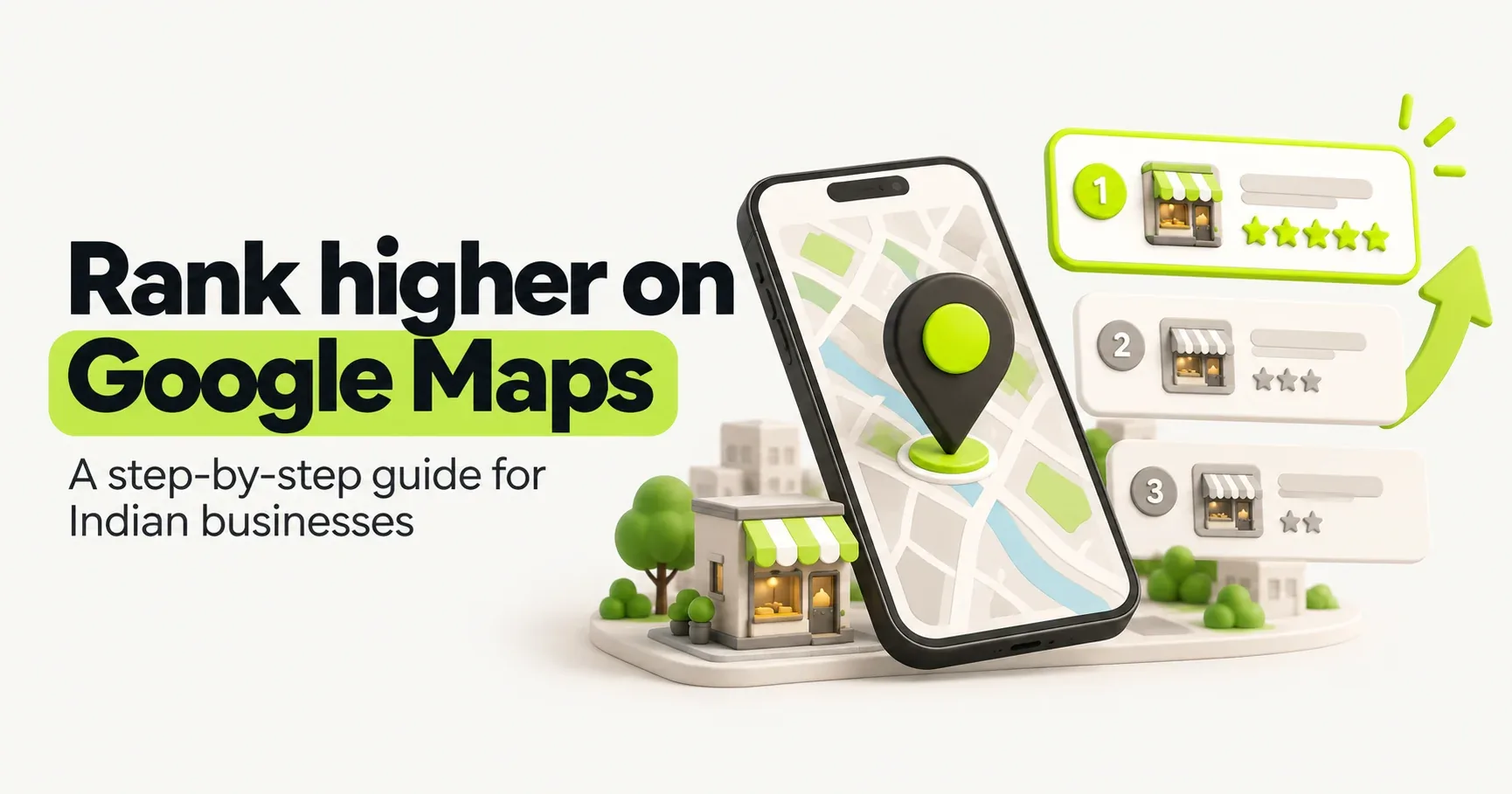
When someone nearby searches for "dentist near me" or "cake shop in Koramangala", Google shows a small map with three businesses above everything else. People call it the local pack. If you're one of those three, you get the calls, the direction requests and the walk-ins. If you're not, most people never scroll far enough to find you.
The good news: getting there doesn't need a big budget. It mostly comes down to a free Google Business Profile, set up properly and looked after. This guide walks you through it in the order that matters most.
How Google decides who shows up on Maps
Google is unusually open about this. Its own help pages say local results are based on three things:
Factor | What it means | Can you change it? |
|---|---|---|
Relevance | How well your profile matches what the person searched for | Yes, through your categories, services and description |
Distance | How far your business is from the person searching | Not really, and you shouldn't try to fake it |
Prominence | How well known and trusted your business is | Yes, through reviews, photos, links and mentions |
So you can't move your shop closer to every customer, but you can make Google much more confident that you're the right answer. Everything below works on relevance and prominence.
Step 1: Claim and verify your profile
Go to business.google.com and search for your business. It may already exist, created by Google or a customer, in which case you claim it rather than making a new one. Duplicate profiles confuse Google and can get both flagged.
Next comes verification. For most new profiles, Google now asks for a short video. Plan it before you hit record:
Start outside and show your signboard, the street and the entrance.
Walk inside and show the space where you serve customers.
Show that you run the place: open the shutter with your keys, use the billing counter, or show stock or equipment.
Record it in one continuous take on your phone. Avoid showing bank details, ID numbers or customers' faces.
If you visit customers rather than having them visit you (plumbers, electricians, home tutors, cleaning services), set yourself up as a service-area business. You hide your home address and list the areas you serve instead.
Step 2: Pick the right primary category
Your primary category is one of the strongest signals for relevance, and many businesses get it wrong.
Pick the most specific category that truly describes you. A "Pediatric dentist" will show up for child-related dental searches far more easily than a generic "Dentist". A "South Indian restaurant" beats plain "Restaurant" for people craving dosa.
A quick way to choose: search for your main service in your area, open the top three businesses and look at the category under their name. Then add a few secondary categories for other things you genuinely offer. Don't add categories just to appear in more searches; it dilutes what you're known for.
Step 3: Fill in everything, accurately
Profiles with complete, accurate details simply do better, and they convince more people to call. Work through each section:
Business name: use your real name exactly as it appears on your signboard. "Sharma Sweets" is right. "Sharma Sweets Best Sweet Shop in Jaipur" breaks Google's rules and is one of the most common reasons profiles get suspended.
Address and phone: these must match your website and your other listings, character for character. This is called NAP consistency (name, address, phone), and it's the heart of building good local citations.
Hours: keep them current, and add special hours for Diwali, Holi, Eid and other holidays. Few things annoy a customer more than a "closed" shutter during "open" hours.
Description: 2–3 short paragraphs on what you do, who it's for and where you are. Write for people, not search engines.
Services or products: list them, ideally with prices or price ranges. These help with relevance and answer questions before people call.
Attributes: tick everything that applies, such as wheelchair access, home delivery, online appointments or women-owned.
Step 4: Get Google reviews, steadily
Reviews are the biggest part of prominence. Google looks at how many you have, how recent they are and how good they are. Customers look at exactly the same things.
What works is boring but reliable: ask every happy customer, every time, and make it one tap. Share your review link on WhatsApp after a job is done, print a QR code at your counter, and add the link to your bill.
Two things to never do: offer discounts or freebies in exchange for reviews, or ask only the customers you think are happy. Both break Google's rules. We cover the safe way to ask in detail in our guide on how to get more Google reviews.
And reply to every review, good or bad. A calm, helpful reply to a two-star review often wins you more trust than ten five-star ones.
Step 5: Make your website back up your profile
Your website and your profile should tell Google the same story.
Link your website from your profile, ideally to a page about that specific location.
Put your exact name, address and phone on the website, usually in the footer and on a contact page.
Mention your area naturally in the page title and headings, for example "Bakery in Koramangala, Bengaluru".
Embed a Google map on your contact page.
Make sure the site loads quickly on a phone. Most local searches happen on mobile, often on patchy 4G.
If you have more than one branch, give each its own page with its own address, phone number and photos.
Step 6: Get mentioned around the web
Google trusts businesses that other places talk about.
Start with local citations: listings of your business on sites like Justdial, Sulekha, IndiaMART, Bing Places and Apple Maps. Each one should show the same name, address and phone as your Google profile.
Then look for real local mentions: a feature in the local newspaper, a listing on your trade association's site, a sponsorship of a community event, or a supplier's "where to buy" page. A few genuine local links are worth more than hundreds of random ones.
Step 7: Stay active
A profile that was set up two years ago and never touched looks abandoned, to Google and to customers.
Add new photos every month: new products, finished work, festive decorations.
Publish updates and offers using the "Add update" option.
Keep hours and services current.
Check the Performance section once a month to see searches, calls and direction requests.
Check your profile in two minutes
Tick what you've already done. The score shows how complete your profile is, and the tip tells you the best thing to fix next.
Mistakes that hurt your ranking (or get you suspended)
Stuffing keywords into your business name. It may work briefly, then gets reported or caught.
Using a fake or virtual office address. Google asks for a real location where you meet customers, or a service-area setup.
Creating more than one profile for the same location. Merge or remove duplicates.
Buying reviews or swapping reviews with friends. Google is getting good at spotting patterns, and removed reviews take your rating with them.
Changing your name, category or address often. Big changes can trigger re-verification and a temporary drop.
How long does it take to rank?
Fixing your category, name and details can show results within a few weeks. Reviews, photos and local mentions build up over months, and that's what keeps you at the top once you're there.
There's no switch to flip and no way to pay Google for a better position on Maps. Anyone promising "guaranteed top 3 in 7 days" is either breaking the rules or guessing. Steady, honest work wins here, and your competitors usually aren't doing it.
Frequently asked questions
- Is a Google Business Profile free?
- Yes. Creating, verifying and managing a Google Business Profile costs nothing. Google Ads is separate and optional.
- Do I need a website to rank on Google Maps?
- Not strictly, but it helps a lot. A website gives Google more information about what you do and where, and it gives customers a place to check you out before they call.
- Can I rank in an area where I don't have an office?
- Only to a limited extent. Distance matters, and you shouldn't list an address you don't actually operate from. If you travel to customers, set up a service area so Google knows where you work.
- Why did my business disappear from Google Maps?
- The usual causes are a suspension for breaking guidelines (often a keyword-stuffed name or a doubtful address), a recent edit waiting for review, or a verification problem. Check the status in your profile, fix the issue and request reinstatement if needed.
- How many reviews do I need to rank?
- There's no magic number. Look at the top three businesses for your main search and aim to match their review count over time, while keeping new reviews coming every month.