How to Get More Google Reviews (Without Breaking Google's Rules)
Simple, rule-safe ways to get more Google reviews for your business. When to ask, what to say, how to make it one tap, and how to reply.
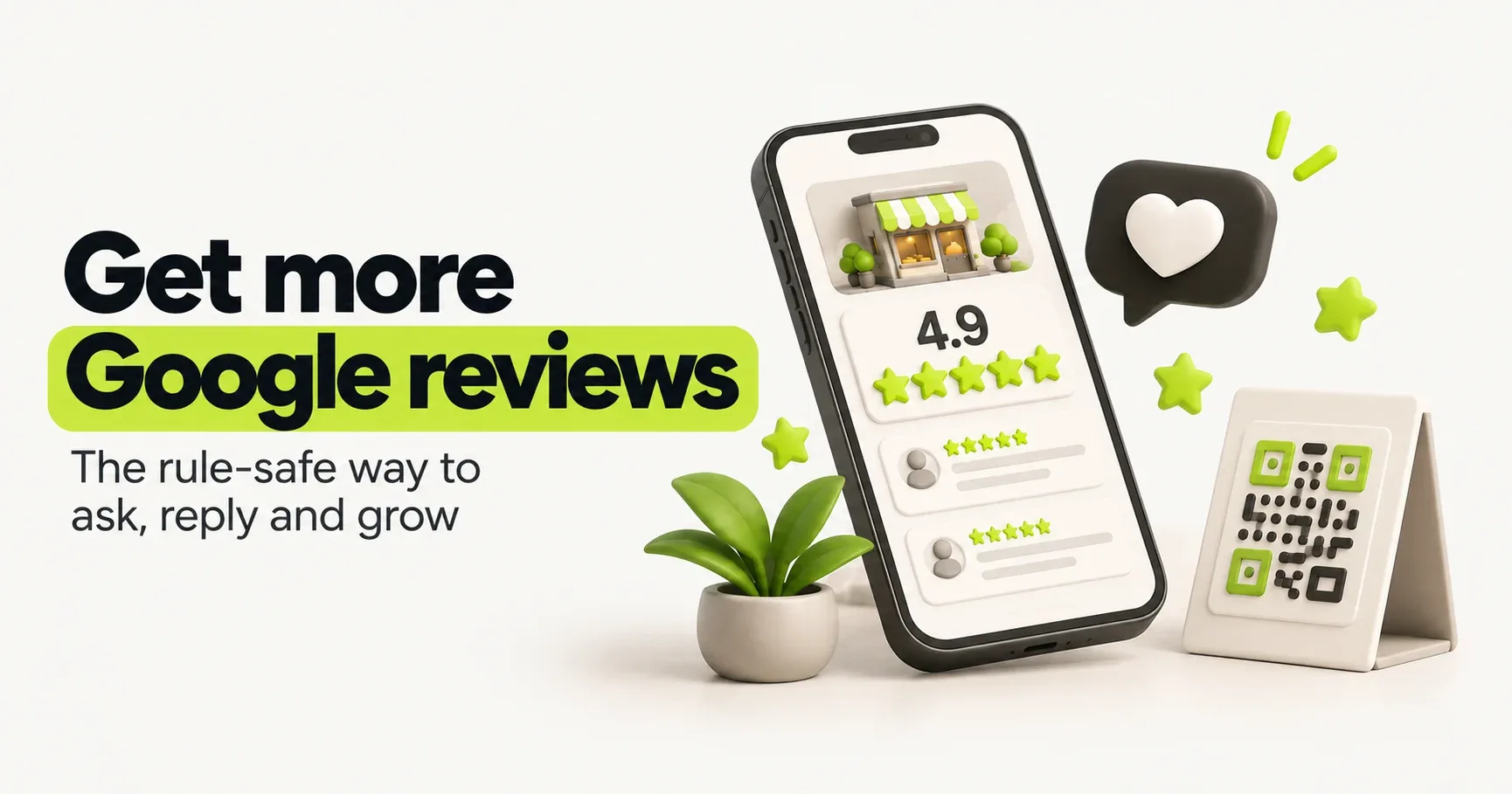
Before most people call a business they've found on Google, they check two things: the star rating and how many reviews there are. Google looks at the same signals. Reviews are one of the biggest parts of your Google Maps ranking, alongside your categories and how close you are to the searcher.
Most happy customers never leave a review, not because they don't want to, but because nobody asked them at the right moment, in a way that took ten seconds. Fixing that is most of the work.
What Google allows, and what gets reviews removed
Google's rules on reviews are strict, and its systems catch rule-breaking patterns automatically. Removed reviews can take your rating down with them, and repeat offenders can see their profile restricted. Here's the short version:
Allowed | Not allowed |
|---|---|
Asking every customer for a review | Offering discounts, freebies or cashback for a review |
Sharing your review link on WhatsApp, SMS or email | Asking only customers you think are happy ("review gating") |
Putting a QR code at your counter or on your bill | Staff, family or friends reviewing your business |
Replying to every review, good or bad | Buying reviews or using "review packages" |
Politely reminding a customer once | Standing over a customer until they post one |
The rule of thumb: ask everyone, reward no one, and never filter.
Step 1: Get your review link and a QR code
You want customers to land directly on the "write a review" box, not on a search page.
Open your Google Business Profile (search your business name on Google while logged in, or use the Google Business Profile app).
Find Ask for reviews (sometimes shown as "Get more reviews").
Copy the short link. Google also offers a QR code you can download and print.
Save the link somewhere you can reach in two taps, such as a WhatsApp quick reply or a pinned note on your phone.
Step 2: Ask at the right moment
Timing matters more than wording. Ask when the customer is happiest, which is usually right after a good result:
Clinics and salons: when the customer says thanks at the end of the visit.
Restaurants and cafes: a QR code on the table card or bill, and a friendly mention, never pressure.
Home services: once the job is finished and the customer has checked it.
Shops delivering orders: a day after delivery, once they've used the product.
Agencies and consultants: after a milestone, like a launch or a finished project.
If a customer is unhappy, ask what went wrong and fix it. You can still ask for a review afterwards, as long as you would ask anyway.
Step 3: Make it personal and one tap
A short, personal WhatsApp message usually works better in India than an email. Use the customer's name, mention what you did for them, and include the link. That's it.
Use this generator to write one in seconds, then copy it into WhatsApp, SMS or email.
A few habits that make a big difference:
Send it yourself, by name. A message from "Rahul from Sharma Sweets" gets more replies than a faceless one.
Send it once, then one gentle reminder at most. More than that turns gratitude into irritation.
Never tell people what to write or which star rating to give. Let them use their own words.
Step 4: Reply to every review
Replies are public, so you're writing for every future customer who reads them, not just the reviewer.
For good reviews, thank them and mention something specific:
Thank you, Priya! So glad the cake was a hit at the birthday. See you for the next celebration.
For bad reviews, stay calm, own what went wrong, and move the conversation offline:
We're sorry the delivery was late, Amit. That's not the experience we want for anyone. Please message us on 98XXXXXXXX so we can make it right.
Don't argue, don't share private details, and don't copy-paste the same reply everywhere. Reply within a day or two if you can.
Step 5: Make it a habit, not a campaign
A burst of 50 reviews in one week followed by silence looks odd, to customers and to Google. A steady trickle looks natural and keeps your profile fresh.
Add the review link to your invoice or bill template.
Make "send the review message" the last step of every finished job.
Glance at your new reviews once a week and reply.
Once a month, compare your review count with your top three competitors.
What about fake or unfair reviews?
Sometimes you'll get a review from someone who was never a customer, or one that's abusive or spammy. You can report it from your Business Profile (look for the option to flag or report a review), and Google will check it against its policies. Not every report is accepted.
Whatever happens, reply calmly and briefly. Future customers will judge you on your reply far more than on the review itself.
Frequently asked questions
- Can I ask for Google reviews on WhatsApp?
- Yes. Sending your review link on WhatsApp is completely fine, and in India it's often the most effective way to ask. Just don't offer anything in return.
- Can I offer a discount for a review?
- No. Offering money, discounts, free products or any other reward in exchange for a review breaks Google's rules, even if you don't ask for a positive one.
- Can I delete a bad review?
- No, you can't remove a review yourself. If it breaks Google's policies (fake, spam, abusive or off-topic), you can report it. Otherwise, reply professionally and focus on getting more recent good reviews.
- How many Google reviews do I need?
- There's no fixed number. Look at the businesses ranking above you and aim to match them over time. Recent reviews matter too, so keep them coming every month.
- Do replies to reviews help my ranking?
- Google encourages businesses to reply to reviews, and replies clearly help with trust. Whether or not they directly affect ranking, they're one of the easiest ways to look active and caring.